시도했던 방법
1. SSH 키를 추가
2. git 설정 변경
git remote set-url {remote git 주소 복사}
git remote set-url https://github.com/깃허브계정이름/레포이름
git remote set-url https://github.com/깃허브계정이름/레포이름

나는 https://git-scm.com/ 페이지에서 git을 다운받아서 git bash를 사용하는 중이었다.
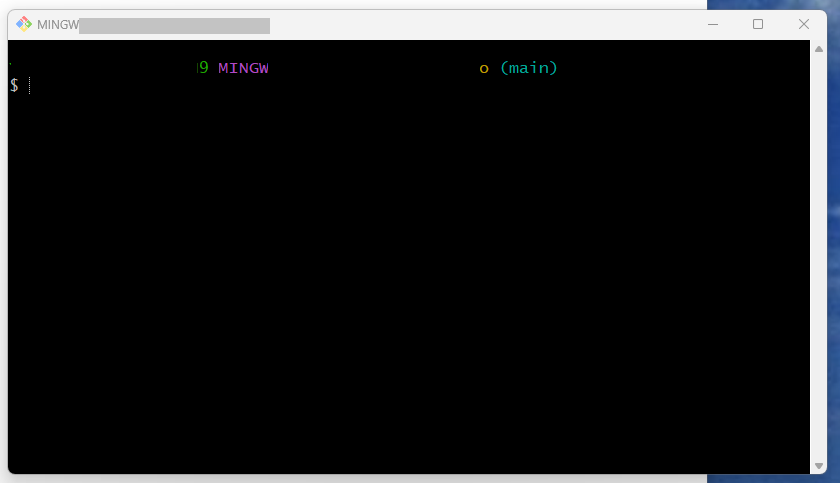
새로운 git 계정을 만들고 새로운 project을 작성 해 나가려고 초기 설정을 하던 중 remote: Permission error: 403이 발생하게 되었다.....하...
SSH 키를 추가, git 설정 변경 방법으로도 해당 오류가 계속 발생하였고,
블로그( https://recoveryman.tistory.com/392)를 보고 오류를 해결하였다.

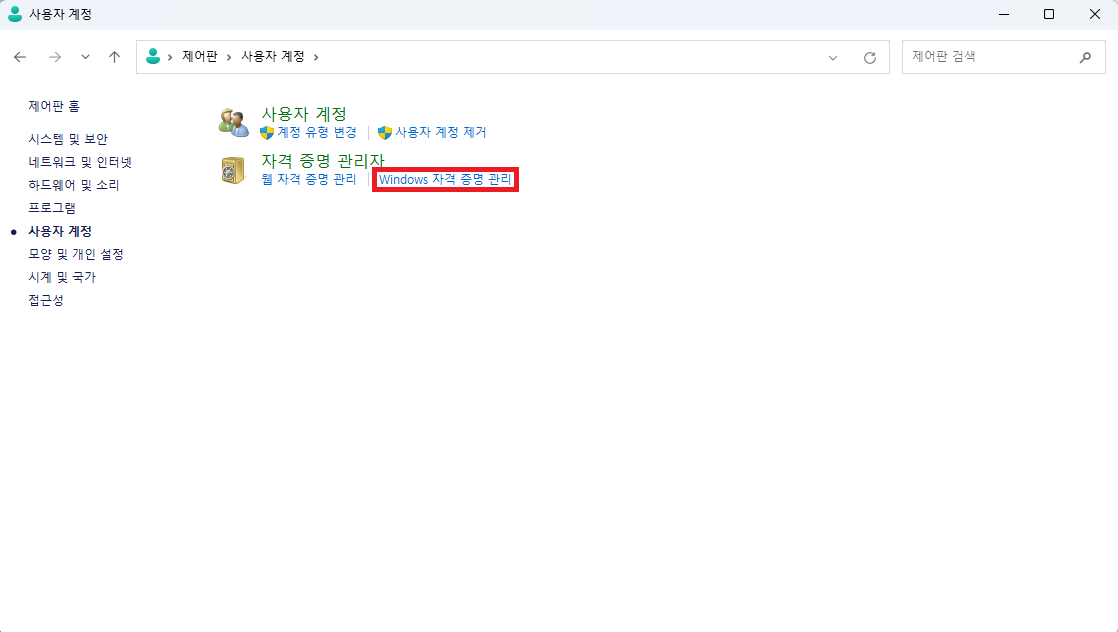
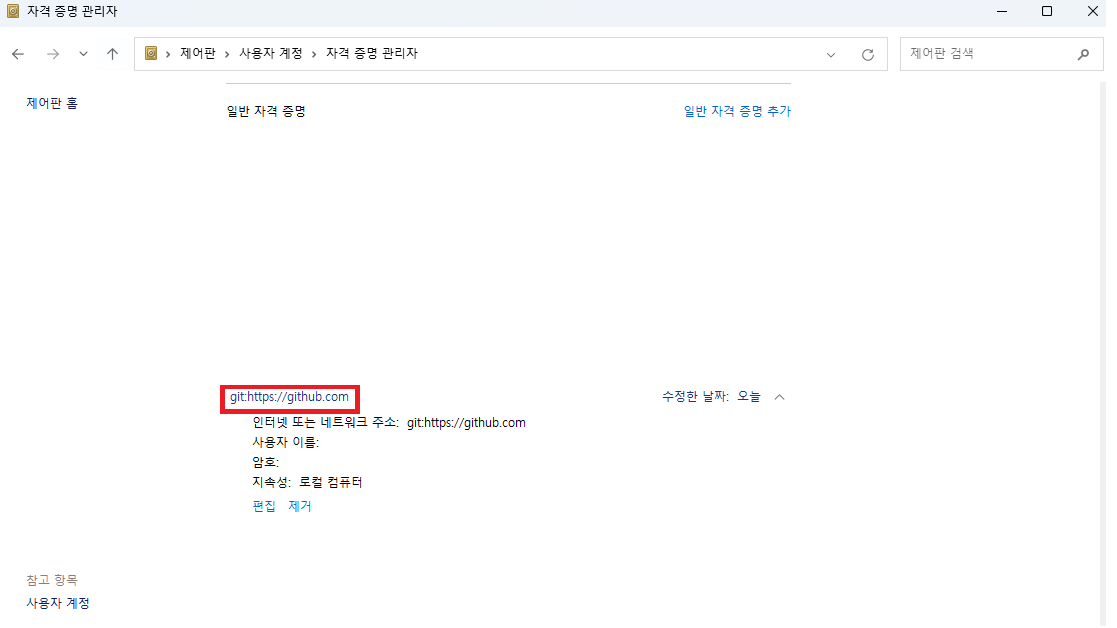
출처 : https://recoveryman.tistory.com/392
'비전공자 검은콩의 몸으로 부딪히는 실무' 카테고리의 다른 글
| [Slick] 슬라이드 코드펜 autoplay (0) | 2023.08.07 |
|---|---|
| [css] input css 디자인 하기(input 디자인 코드펜) (0) | 2023.08.07 |
| [CSS] 그라데이션(그라디언트) 주기(background-image, border-image) (0) | 2023.08.04 |
| [JS] 함수 이름 지정하기 (0) | 2023.08.02 |
| [HTML] input 태그 type: radio 한 묶음으로 만들기 (0) | 2023.08.02 |

